Today we are installing the L3MON tool in our Kali Linux, you can install this tool on another operating system, like Debian, ubuntu, or ArchLinux.
What is L3MON
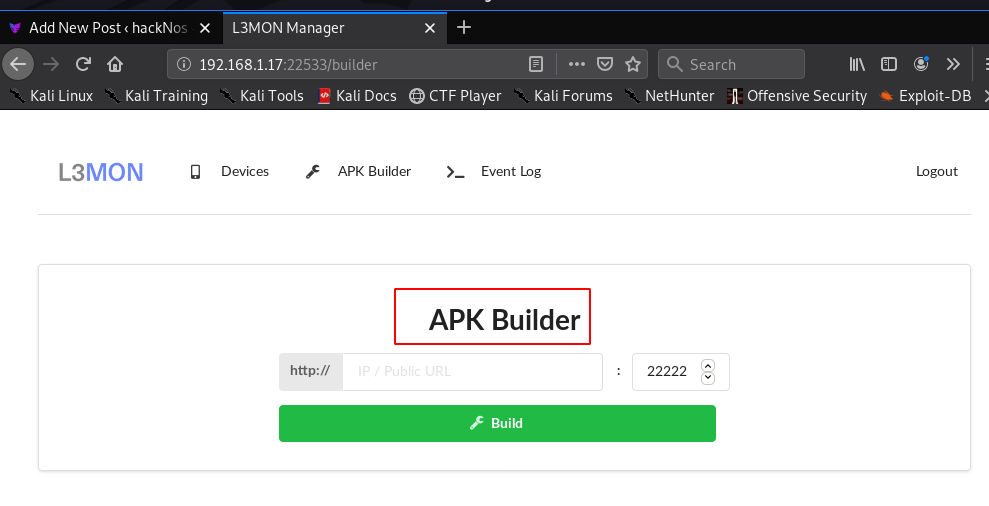
L3MON is a tool for creating an Android Payload without a command, L3MON runs on the node.js, you can install the L3MON tool on Cloud, we can use it to gain access to any android Mobile Phone, or tracking android mobile data. L3MON can Create FUD Payload. there are some features for L3MON Tool.
- Hiddeneye Install in Termux
- Basic Linux commands
- Use of FTK Imager Forensic Tool
- L3MON Install Kali Linux
- L3MON Payload Build Failed error Linux
Features of L3MON
- GPS Logging
- Microphone Recording
- View Contacts
- SMS Logs
- Send SMS
- Call Logs
- View Installed Apps
- View Stub Permissions
- Live Clipboard Logging
- Live Notification Logging
- View WiFi Networks (logs previously seen)
- File Explorer & Downloader
- Command Queuing
- Built-In APK Builder
Let’s First Download the L3MON tool from git run the following command in a terminal, After starting the downloading it takes a while to wait until you are back on the bash shell.
wget https://github.com/D3VL/L3MON/releases/download/1.1.0/L3MON-v1.1.0.zip
Now Our L3Mon File is download on our localhost machine let’s extract the zip file using this command.
unzip L3MON-v1.1.0.zip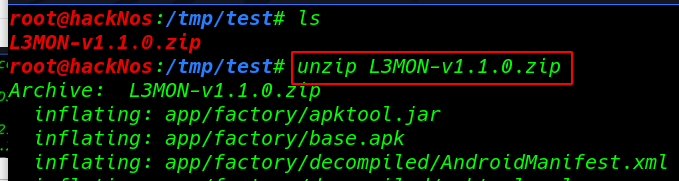
There is a requirement dependency requirement for running the L3MON on our Linux, we need to install node.js javascript language, run the following command in the terminal.
curl -sL https://deb.nodesource.com/setup_13.x | bash -
apt-get install -y nodejs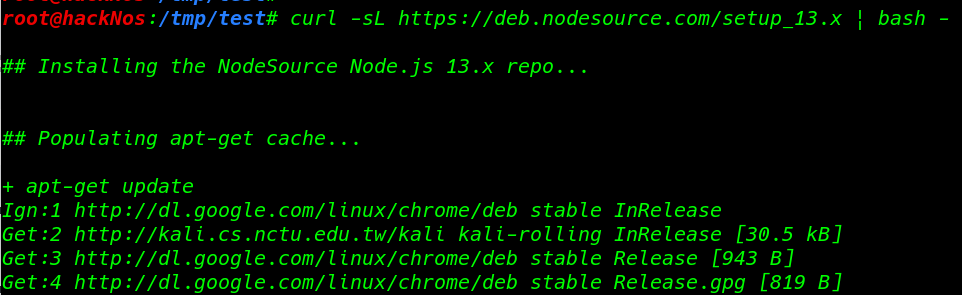
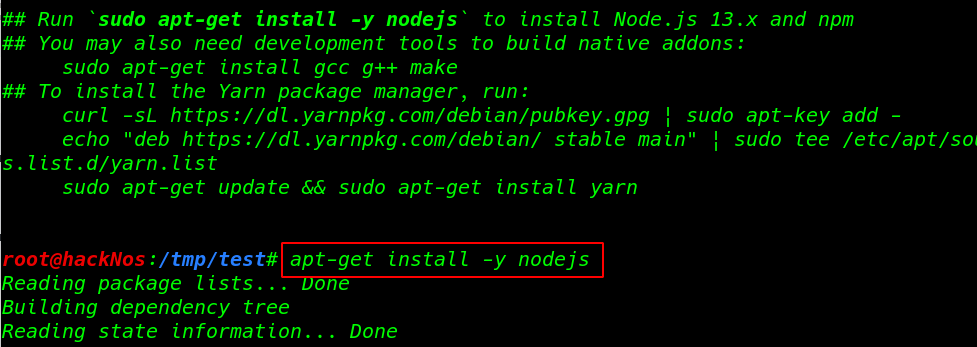
What is NPM
npm is a package manager for the JavaScript programming language. It is the default package manager for the JavaScript runtime environment Node.js.
Another Requirement pm3 library run the command in the terminal.
npm install pm2 -g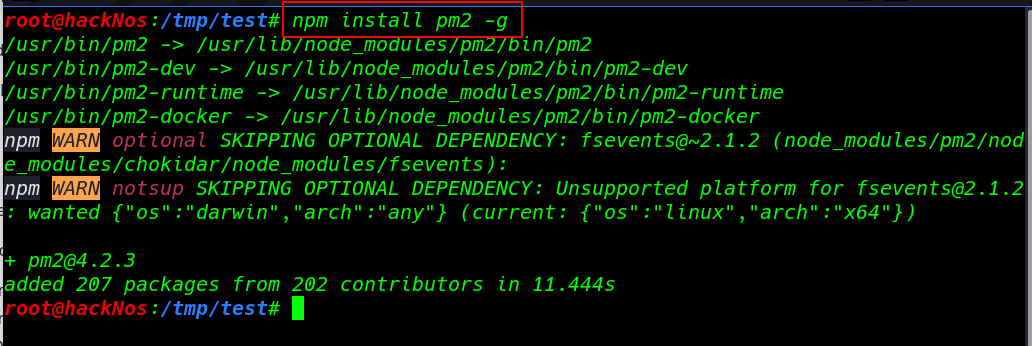
Our Setup is almost complete but needs to create a database file maindb.json, let’s start the pm3
pm2 start index.js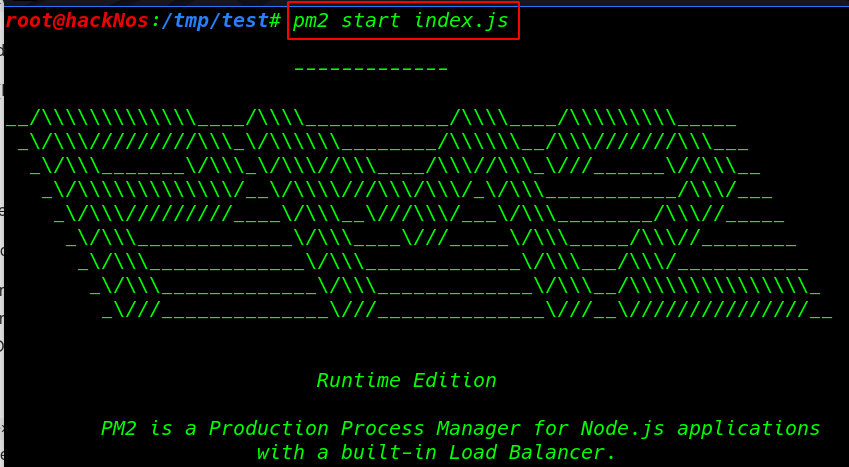
After starting the server we see the maindb.json database file is automatically created on our machine let’s open the file any editor.
Note: Before editing the maindb.json file first stop the server using this command
pm2 stop index.js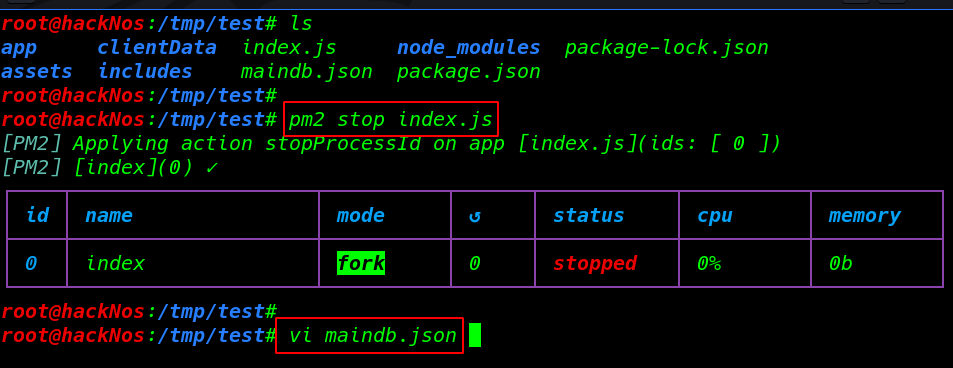
Generating a new MD5 password and paste the password field and save the file, you can use any editor to edit the file
echo -n "hacknos" | md5sum | cut -d" " -f 1
we see a default username and a blank password we need to change the username and or password hash with our new generated MD5 Hash
vi maindb.json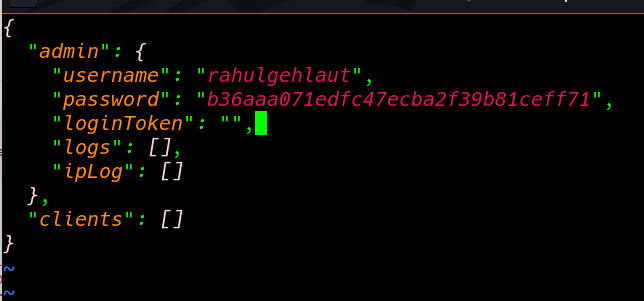
and start again the server
pm2 start index.jsL3MON APK Builder WebLogin
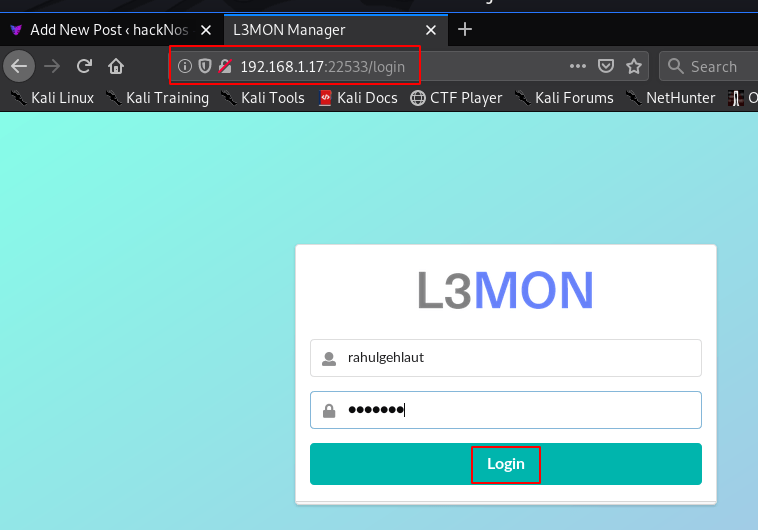
Open any browser and type your IP address and port number 22533 and log in with your username and password
http://192.168.1.17:22533- username: your username
- password: your password