How to setup DVWA vulnerable web app with the custom database in apache Linux server
DVWA is a DAMM VULNERABLE WEB APP coded in PHP/MYSQL. Seriously it is too vulnerable. In this app security professionals, ethical hackers test their skills and run these tools in a legal environment. The aim of DVWA is to practice some of the most common web vulnerability, with various difficulties levels DVWA Setup apache
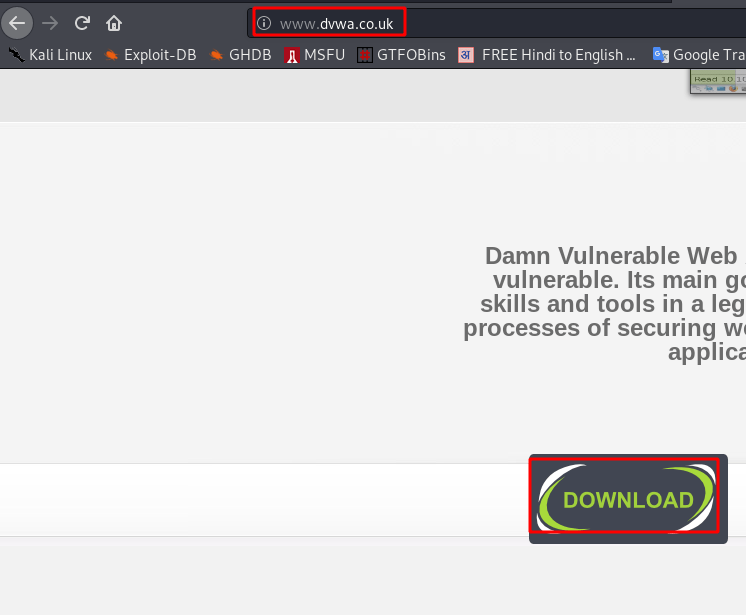
Download DVWA Vulnerable web here www.dvwa.co.uk
Download DVWA with wget command
cd /tmpwget https://github.com/ethicalhack3r/DVWA/archive/master.zip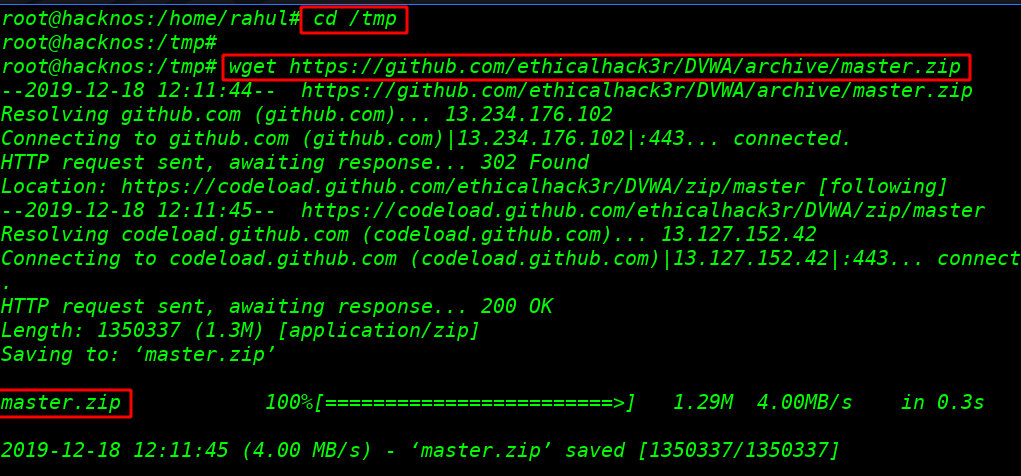
After downloading complete the file I extract the file destination our default apache server directory
unzip master.zip -d /var/www/html
change permission Directory (-R mean Recursively DVWA inside all file)
- root: read, write, executable
- group: read, executable
- other: read, executable
chmod -R 755 /var/www/html/DVWA-master/ Changing Ownership of Directory (-R mean Recursively DVWA inside all file)
- user: www-data
- group: www-data
chown -R www-data:www-data /var/www/html/DVWA-master/
Creating a new database for our DVWA WEB App
mysql -u root -p
Create a database name for our data
create database databasename;Creating a database user and password
create user 'username'@'localhost' identified by 'password';granting permission and creating a password
grant all on databasename.* to 'username'@'localhost' identified by 'password' with grant option;Flush all privilege
flush privileges;exit
After creating our database we configure our DVWA database file I change our directory config folder
cd /var/www/html/DVWA-master/config/Rename config file with mv command
mv config.inc.php.dist config.inc.phpEdit DVWA database config file I use VIM editor you use your favorite editor
vi config.inc.php
$_DVWA[ 'db_server' ] = 'localhost' ;
$_DVWA[ 'db_database' ] = 'database name' ;
$_DVWA[ 'db_user' ] = 'dvwauser' ;
$_DVWA[ 'db_password' ] = 'password' ;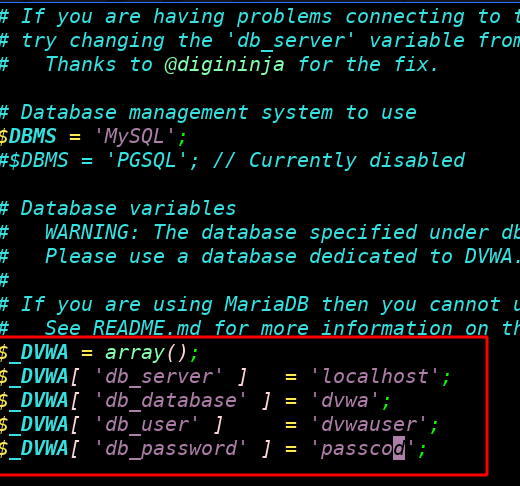
starting our MySQL and apache server
service mysql startservice apache2 start
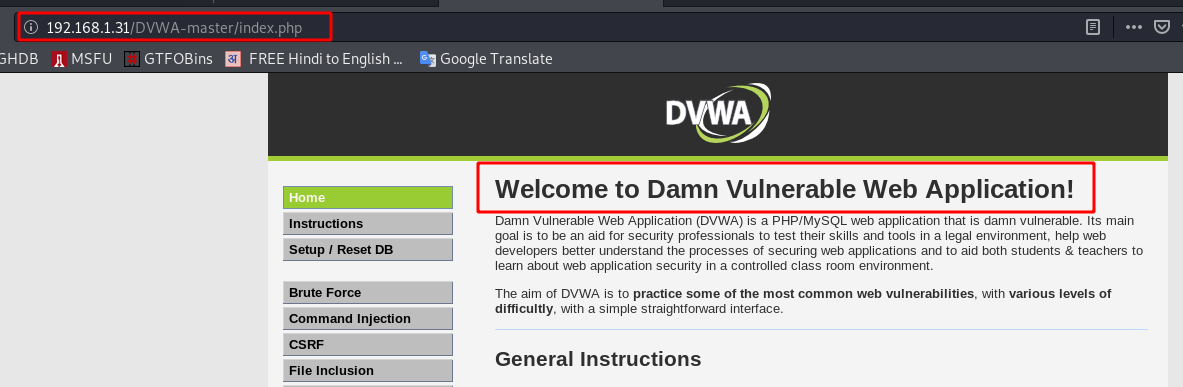
now open your browser and type your IP address and DVWA file name and login with the default username and password
http://localhost/DVWA-master/login.phpusername: admin
password: password
we see our setup is almost complete last step is to create a reset database
create/ Reset Database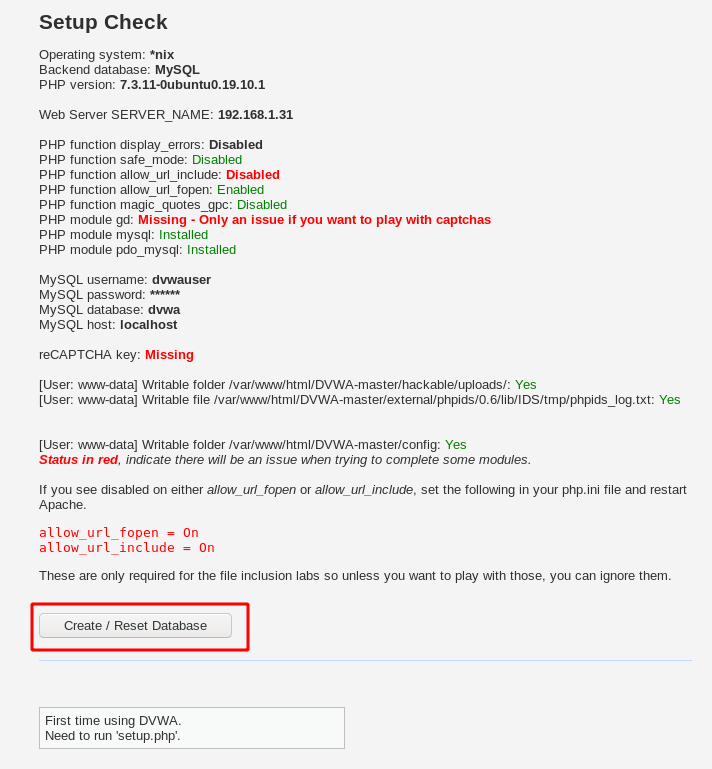
Again login with default logging username and password and your DVWA is full setup success
How to configure xampp in Linux here